Aura vs Norton Family (2026): We Tested Both With Real Kids
TL;DR
Aura is better than Norton Family for parental controls. After testing both with real kids on real devices, Aura blocks content at the device level using a local VPN that kids cannot bypass by switching browsers — Norton’s search and video monitoring stops working the moment a child opens Chrome instead of Norton’s own browser. GPS tracking went silent when School Time mode was active. Aura sets up in under 10 minutes, runs quietly in the background, and does not require constant management. Norton Family is cheaper at $4.17/month, but Aura’s protection actually holds up when kids try to work around it.
Get Aura Parental Controls — Save 60% OFF →
60-day money-back · Cancel anytime
The Question Nobody Asks Before Buying a Parental Control App
Most parents start their search looking for the biggest feature list. Can it block Instagram? Does it have location tracking? Can it see search history?
But after testing both apps with real families, that is the wrong question. The question that actually matters is: how much of your day do you want this app to take up?
There are two ways to run a parental control app. The first: you get a constant stream of notifications, activity reports, and alerts that you have to review, respond to, and tweak on a rolling basis. Your kid figures out they can use a different browser. You are back in the settings. The app becomes another thing you are managing.
The second way: you set it up once, it runs in the background, and your job is mostly done.
Aura is built around the second approach. Norton is built around the first. Neither is wrong — but you should know which one you are signing up for.
Aura vs Norton Parental Controls: At a Glance
| Aura | Norton Family | |
|---|---|---|
| Core approach | Block before it loads (prevention) | Monitor and report (surveillance) |
| Blocking method | Local VPN on child’s device | Browser-level and app filtering |
| Content categories | 28 categories | 45+ categories |
| Social media blocked by default | Yes | No — manually configured |
| Screen time scheduling | Weekday / weekend | Daily schedules |
| Bonus time (reward feature) | Yes | No |
| Pause the internet | One tap, instant | Instant lock (apps reappear in new locations) |
| GPS / location tracking | No | Yes (with significant caveats) |
| Search history monitoring | No | Requires Norton browser only |
| Video monitoring | No | Requires Norton browser only |
| Safe gaming alerts | Yes (Windows only) | No |
| macOS compatible | Yes | No |
| Setup time | 5–10 min (QR code) | Under 15 min |
| 24/7 phone support | Real humans, fast | Available (quality varies) |
| Unlimited devices | Yes | Yes |
| Standalone price | $10/mo | ~$4.17/mo ($49.99/year) |
| Full family bundle | $32/mo (adds ID protection, $1M insurance, 5 adults) | $99.99+/year (Norton 360 bundles) |
How Aura Parental Controls Actually Work
Aura’s parental controls take a genuinely different approach from other apps on the market — and those philosophical differences matter more than anything in the feature list.
Instead of watching what your child does and sending you a report, Aura creates an environment where certain content simply does not exist on your child’s device. It installs a local VPN that intercepts requests before they load. You choose from 28 content categories — explicit material, gambling, social media, gaming, whatever you decide. When your child tries to access something in a blocked category, nothing happens. The page just does not open.
This matters more than it sounds. Most parental control apps that rely on browser-based filtering can be bypassed by any kid clever enough to download Chrome or Firefox. Aura’s VPN-level blocking works regardless of which browser or app is being used. It is not filtering what your child sees — it is filtering what reaches the device at all.
Major social media platforms — Snapchat, Instagram, Discord, Twitter — are blocked immediately when you set up a child profile. You do not have to go hunting through settings. The default environment is locked down, and you open things up intentionally.
The Features Parents Talk About Most
Pause the Internet. One button on the app, and your child’s device loses all internet access immediately. No negotiating, no “let me finish this level.” The internet disappears when you want it to and comes back when you decide. For family dinners, bedtime, and homework time — this feature alone justifies the subscription for a lot of parents.
Screen time with a built-in reward. You set limits — different rules for weekdays vs weekends — and when time runs out, the app enforces them automatically. The bonus time feature lets you grant extra screen time as a reward. The fighting stops because you are not the enforcer anymore — the app is.
Setup takes 5 to 10 minutes. Scan a QR code, install on your child’s device, done.
What Aura Does Not Do
Aura does not monitor phone calls, text messages, or emails. It does not scan social media conversations. It does not track your child’s GPS location. These are intentional design decisions — Aura was built for prevention, not surveillance. The faucet is either on or off.
If you have a teenager who needs social media for school projects or social life, this all-or-nothing approach creates real friction. And if GPS tracking matters to you, Aura is not the right standalone tool.
The safe gaming feature that monitors for bullying, harassment, and grooming works on Windows only. The Balance feature (message tone and sleep patterns) is iOS only.
How Norton Parental Controls Actually Work — And What We Found
Norton Family takes the monitoring-first approach. It tracks what your child does across the web, logs sites visited, records search terms, monitors video watching, and delivers activity reports. It also offers location tracking and device locking.
On paper, this sounds comprehensive. In real-world iOS testing, several key features did not behave as advertised.
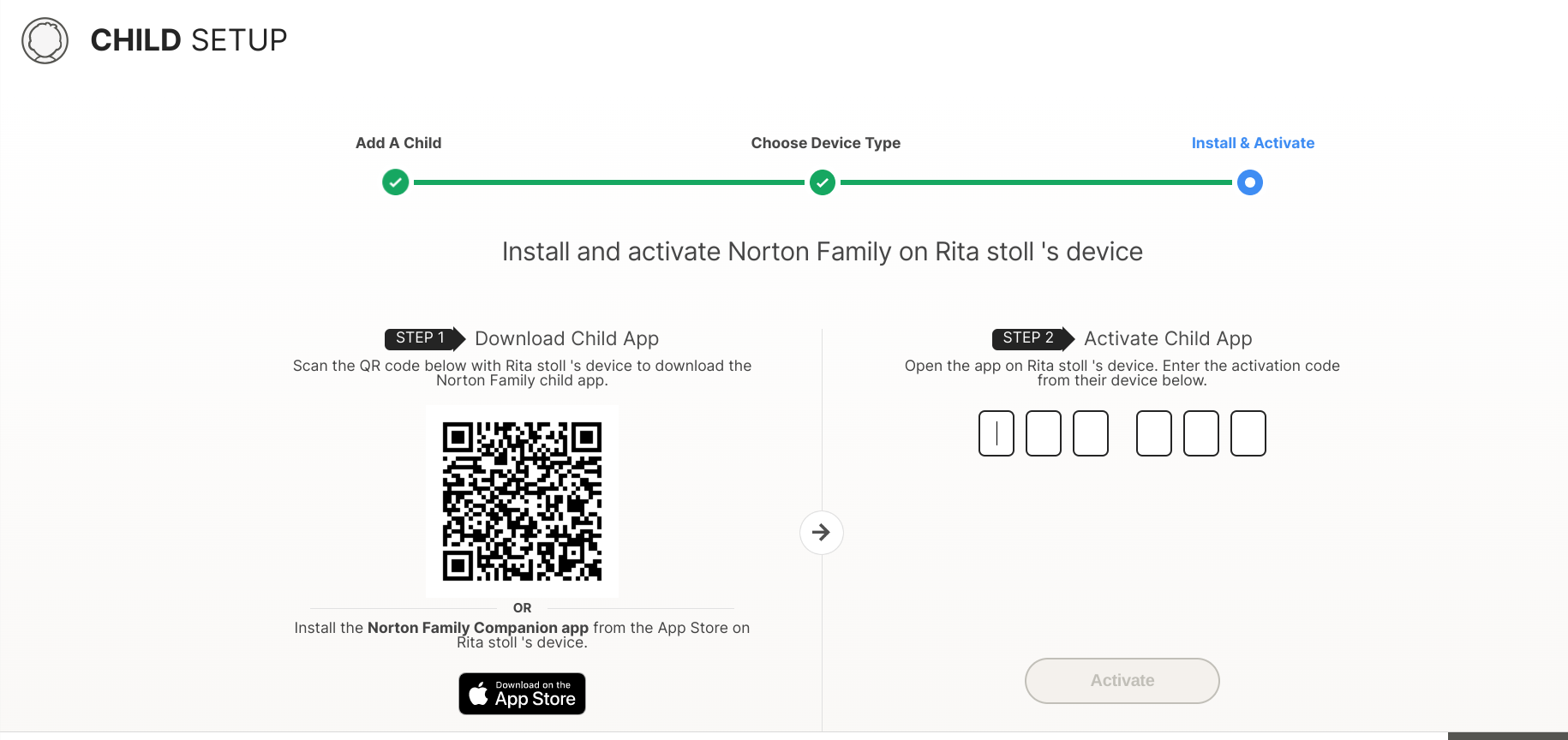
The Browser Bypass Problem — This One Is Significant
To actually monitor your child’s search terms and video viewing, your child has to use Norton’s own browser. Any time your child opens Chrome, Safari, Firefox, or any other browser, Norton cannot see what they are doing.
For young children who do not know other browsers exist, this might work. For any child old enough to know that downloading Chrome is an option, Norton’s search and video monitoring goes dark.
The GPS / Location Tracking Conflict
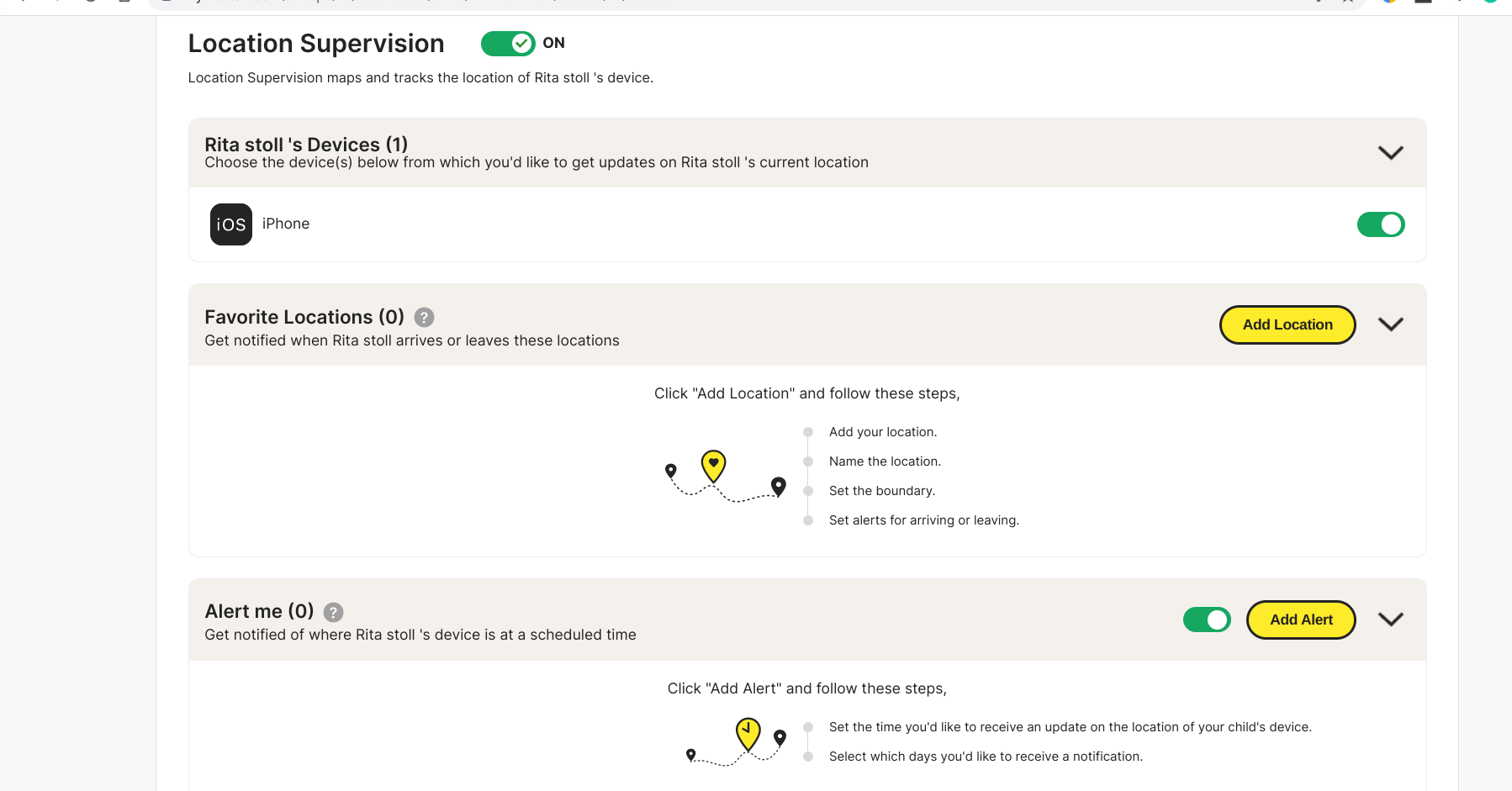
Norton’s location tracking works well under normal conditions — you can see your child’s location, get arrival alerts, and set time-specific checks. In our testing, we found a critical limitation: when School Time or Instant Lock is active, location tracking stops working. The device could not be located. Norton does not clearly disclose this.
The Instant Lock iOS Limitation
Norton’s Instant Lock feature — which removes all internet apps from a child’s device — is confirmed unavailable on iOS in 2026. This is an Apple platform limitation. Android users get the full experience; iOS users do not.
Norton has improved its PIN and time-request system: children can send a request for more screen time, parents approve or deny, and a 4-digit emergency PIN lets children unlock in genuine emergencies. These work across iOS, Android, and Windows.
Get Norton Family — 30-Day Free Trial
Younger Kids vs Teenagers: Which App Fits
For Children Ages 4–11
Aura is the stronger choice. Kids at this age need firm, consistent boundaries — not monitoring reports. An 8-year-old does not need social media independence. They need to not accidentally stumble into things they should not see. Aura’s block-before-it-loads approach creates a genuinely protected environment that does not depend on which browser a child happens to use.
For Teenagers Ages 12–17
Neither app is perfect. Norton’s monitoring approach at least attempts visibility without entirely blocking everything — but the features designed for that visibility require Norton’s proprietary browser, and any teenager can download Chrome.
If you have a teenager and content monitoring matters, you may want to look at other parental control apps like those in our three-way comparison before settling on either of these. Aura’s all-or-nothing social media approach is too blunt for most teens, and Norton’s monitoring is too easy to sidestep.
Pricing: What You Are Actually Paying For
| Aura | Norton Family | |
|---|---|---|
| Standalone parental controls | $10/mo | ~$4.17/mo ($49.99/year) |
| Full family bundle | $32/mo | $99.99+/year (Norton 360) |
| What the bundle adds | ID protection, $1M insurance/adult, VPN, antivirus, password manager | Norton antivirus, VPN, LifeLock identity protection |
| Adults covered | Up to 5 | 2 |
| Free trial | No (60-day money-back) | 30-day free trial |
Norton is cheaper if all you need is parental controls — $4.17/month vs $10/month saves $70/year.
The calculus changes if you already pay for a VPN, antivirus, and password manager separately. Aura’s bundle math often works out cheaper. And if you want identity theft protection for adults alongside parental controls for kids — Aura’s Ultimate Family plan at $32/month covers both in a way Norton’s family plan does not match.
FAQ
Which is better for parents of young children — Aura or Norton?
For parents of young children, Aura is the stronger choice. Its VPN-based blocking works regardless of which browser your child uses, social media is blocked by default, and setup takes under 10 minutes. The Pause the Internet feature handles screen time battles. Aura’s prevention-first design is built specifically for creating age-appropriate boundaries for children who do not need social media independence.
Can kids bypass Norton parental controls?
Yes, relatively easily — particularly on iOS. Norton’s search and video monitoring depends on the child using Norton’s proprietary browser. Any child old enough to download a different browser can sidestep this monitoring entirely. Aura’s VPN-based blocking is significantly harder to bypass because it operates at the network level rather than the browser level.
Does Aura parental control have GPS tracking?
No. Aura does not include GPS tracking, geofencing, or location alerts. This is an intentional design decision. Aura is built around prevention and content blocking rather than location surveillance. If GPS tracking is essential for your family, pair Aura with a dedicated app like Life360 — and you will still have a stronger overall parental control experience than Norton alone provides.
Does Norton parental control work on iPhone?
Norton Family works on iOS but with significant limitations. Search term monitoring and video tracking require Norton’s proprietary browser — if your child uses Safari or Chrome, these features stop working. Location tracking also stops functioning when School Time or Instant Lock is active, a limitation Norton does not clearly disclose.
Is Norton parental control free?
Norton Family offers a 30-day free trial before charging $49.99/year (approximately $4.17/month). Aura does not offer a free trial but provides a 60-day money-back guarantee on all plans.
What age is Aura parental controls best for?
Aura is best suited for children roughly 4 to 11 years old who benefit from firm, consistent boundaries without negotiation. For teenagers who need some social media access for school or socializing, Aura’s all-or-nothing approach becomes limiting. The company itself recommends Aura for families who value simplicity over granular control.
Our Verdict: Aura Parental Control vs Norton Family
Aura is our top recommendation for parental controls in 2026. After testing both apps with real devices, the gap is wider than the feature lists suggest. Aura’s VPN-level blocking cannot be circumvented by switching browsers. Setup takes 10 minutes. The Pause the Internet feature eliminates the single most draining daily conflict most parents face.
Norton looks compelling on paper — GPS tracking, activity reports, search history monitoring. In practice, the GPS stops working when School Time is active. The search monitoring stops when a child uses any browser other than Norton’s own. The features parents most depend on have asterisks Norton does not advertise clearly.
For families with younger children, Aura is the obvious choice — prevention over surveillance, simplicity over complexity. If GPS location tracking is non-negotiable, pair Aura with Life360 — and you will still have a stronger overall experience than Norton alone.
Get Aura Parental Controls — Save 60% OFF →
60-day money-back · Cancel anytime